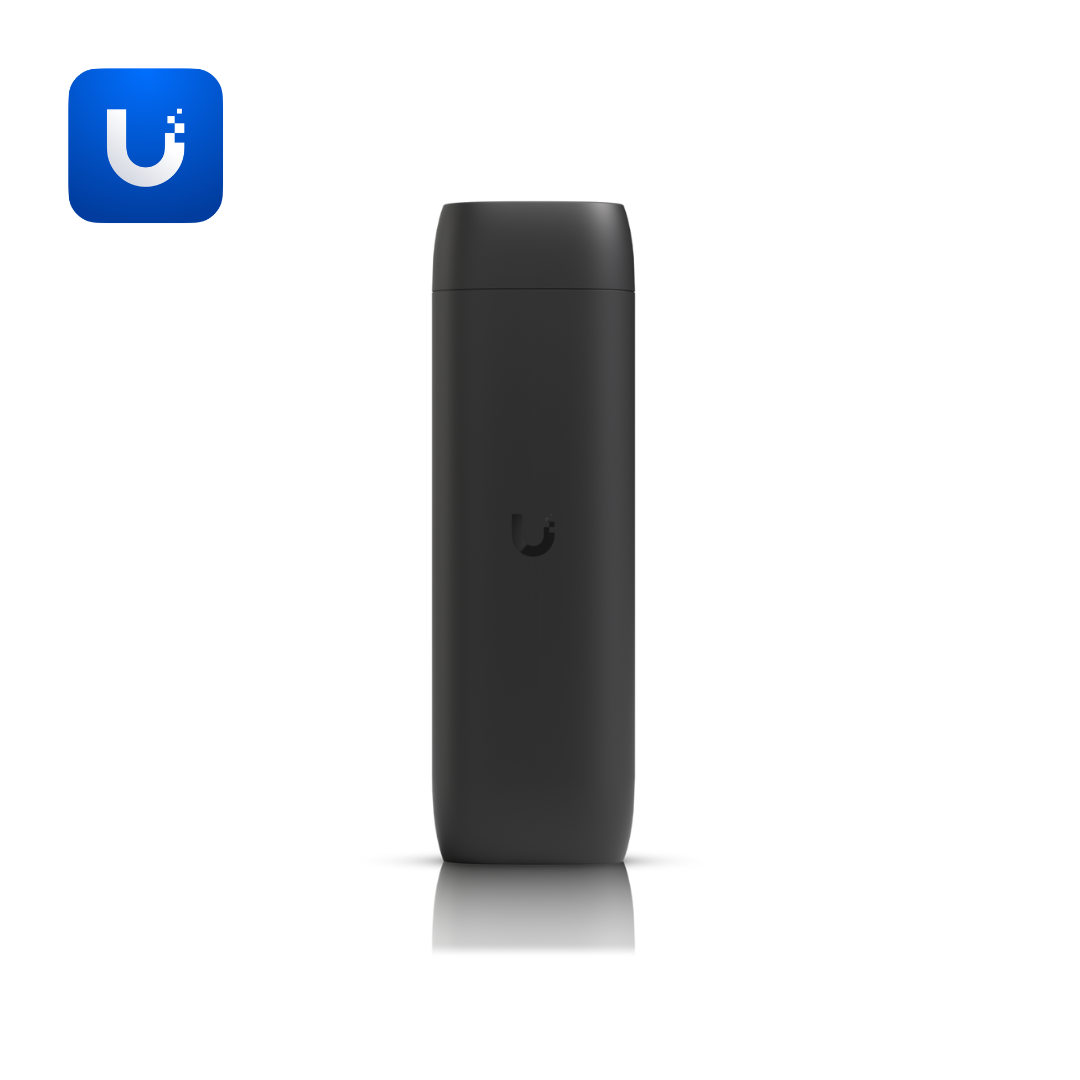
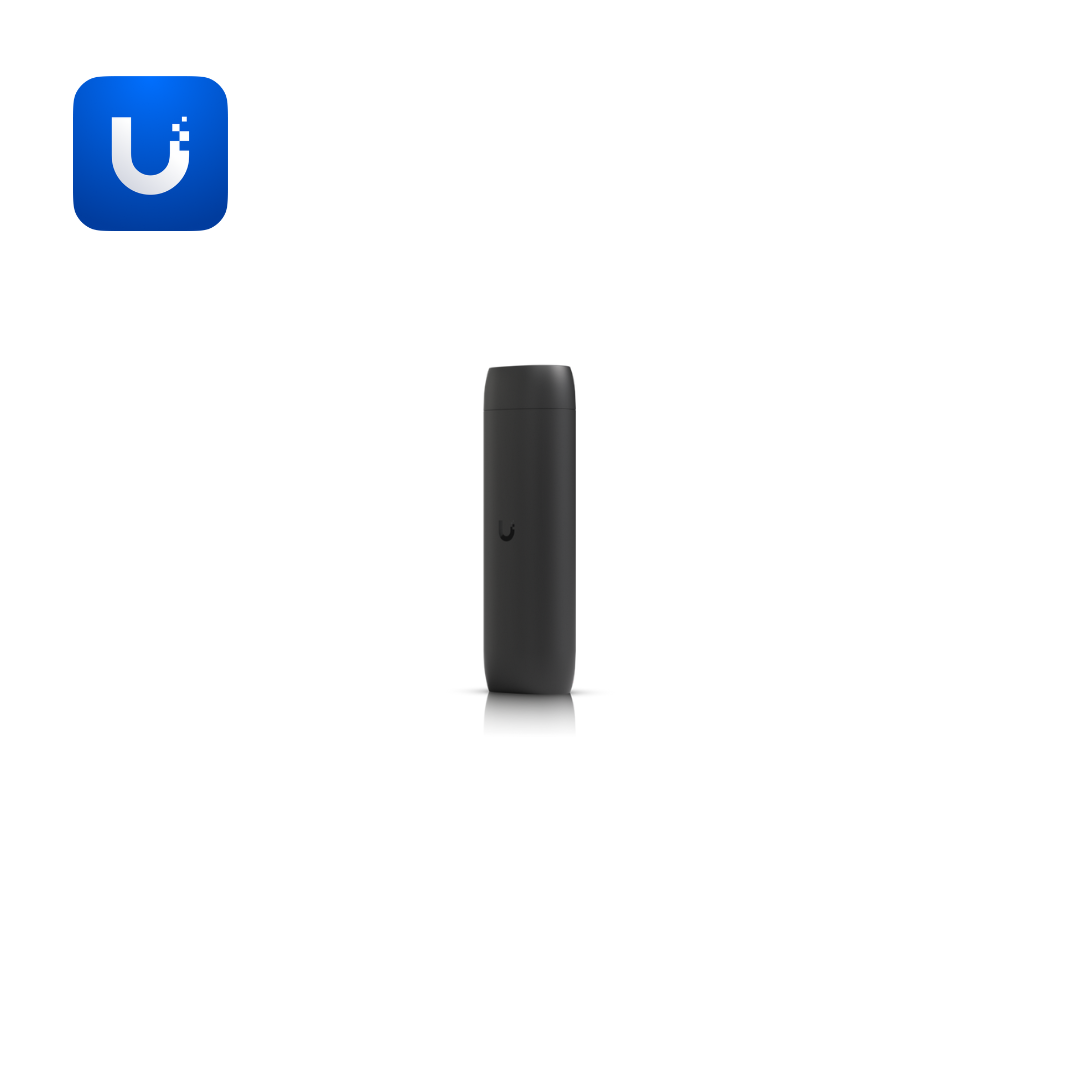
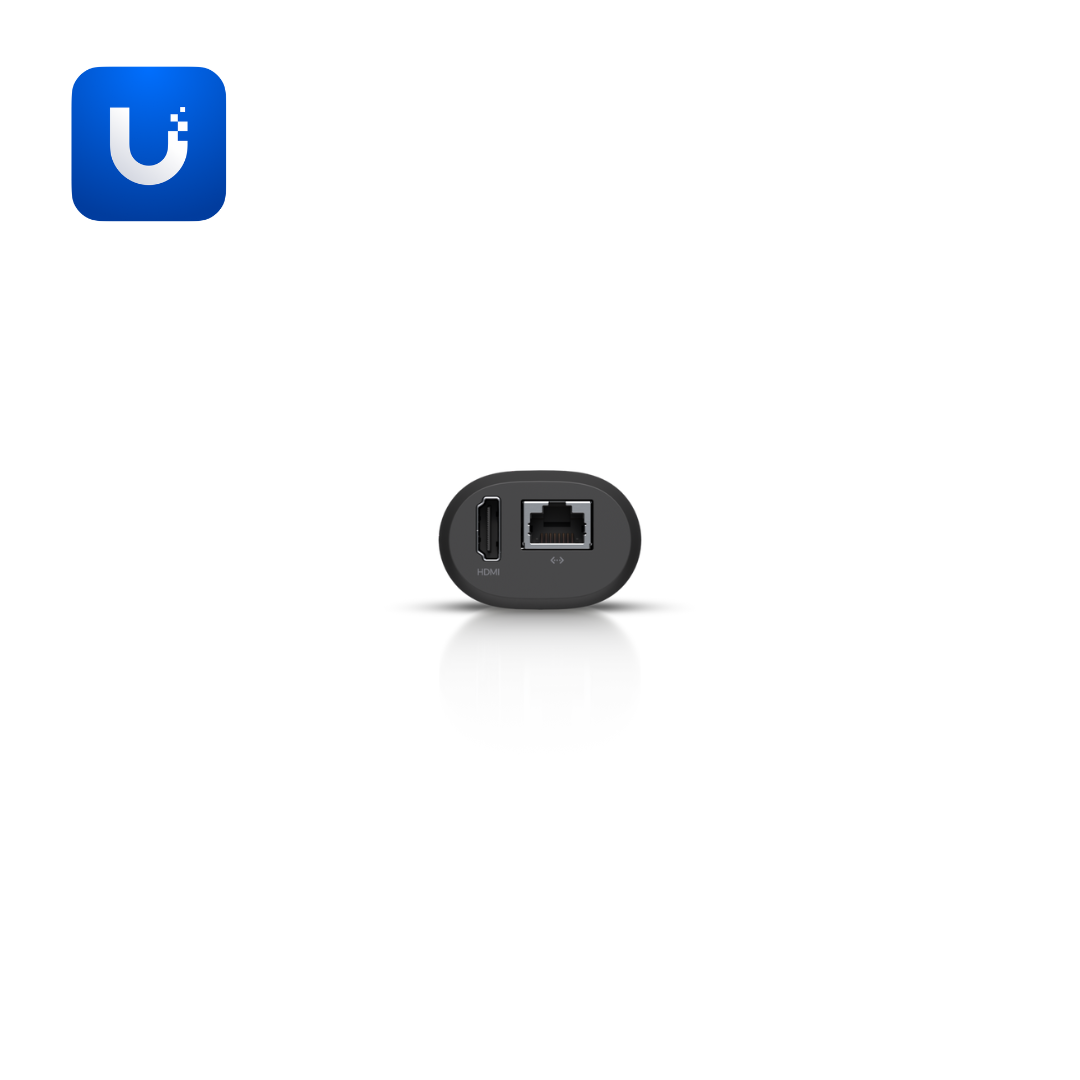
Many sites that run cameras still end up displaying them by leaving a browser tab or a spare computer running at a front desk, which ties up hardware not meant for the job and adds a point of failure. The Protect Viewport removes that dependency: it is a purpose-built display endpoint, plugging into a monitor or TV over HDMI and pulling its feeds directly, so the display no longer depends on a general-purpose computer staying on.
- 16-stream matrix view: Displays up to 16 camera feeds at once, arranged as a grid on the connected screen.
- 4K HDMI output at 30 FPS: Matches the resolution of higher-end cameras in the same UniFi Protect system rather than downscaling the feed.
- Single-cable PoE installation: Powers the device and connects it to the network over one Ethernet cable, avoiding a separate power adapter at the display location.
- Flexible mounting: Can sit near or behind a display rather than requiring a specific desk or shelf placement.
- Managed via the UniFi Protect application: Draws its configuration and camera list from the same application already managing the site's cameras, rather than a separate system.
Its role in a UniFi Protect deployment is distinct from a camera or a cloud gateway: the Viewport doesn't record or process video itself, it displays feeds that are already being managed and stored elsewhere on the network, making it the piece that turns a Protect system into something visible at a desk or entrance rather than only reviewable on a phone or computer.
The Simplifi Advantage
A Viewport is only useful once it's actually configured with the right camera layout for the room it sits in. Simplifi Networks, an authorized Ubiquiti distributor for Kenya and Uganda, supplies genuine Protect Viewport units and can help set up matrix layouts for reception desks and control rooms.